Finding the Items
Use the navigation bar at the top of any page to start looking through our online departments. You can also search our site by entering a keyword into the search bar at the top of the page. Detailed product information is just a click or two away, either through the item picture or a keyword search.
Adding Items to Your Shopping Bag
Once you’ve found an item you’d like to order, simply select all the required options (such as size,color,Model and so on) and click “Add to Bag.”
Visiting Shopping Bag
To visit your Shopping Bag, click the Shopping Bag icon at the top right corner of any page. The quantity of items and total amount will be displayed.
Saving an Item for Later Purchase
If you have an item in your Shopping Bag you’d like to purchase during another visit, simply close your browser or click “Continue Shopping”. All your added items will be automatically saved and never be removed unless you instruct us to do so.
What else is in the shopping cart?
The shopping cart has many useful features such as, “Edit” your saved item without removing it manually, “Clone” the existing item if you’d like to have another one with a different size or color. Immediately pay for the order without logging in to Yourname.com We also recommend items based on your purchase in the “You may also like” section. You can also click on ”Use Coupon Code” to use any coupon you have!!
Checking Out and Completing Your Order
From your Shopping Bag, click the “Check Out” button.
If you have a microp.com account, just sign in and we’ll automatically fill in the available shipping and billing information to save time during checkout.
If you don’t have a microp.com account, you can register now or use our services as a guest (you may use the Paypal or Facebook icons in the shopping cart). Once you have completed your order, you will be informed of the detailed order information and the delivery time of the package you are going to receive.
Proceed through the checkout screens, click or edit the required information for shipping address and shipment methods. The progress indicator will show you how we make and ship the order as well as the overall time. Click “Leave a message” to write any requirements you may have for your placed order, such as shipping requests.
If you would like to proceed with the order payment, then press the “Place Order” button.
In the following page, you will be instructed to look over your order summary and an order number will have been generated for you. The following indicator will let you know Payment Information sections (get help withPayment Methods)
Find the button “Pay” at the last step of your order placement, click it to complete the order.


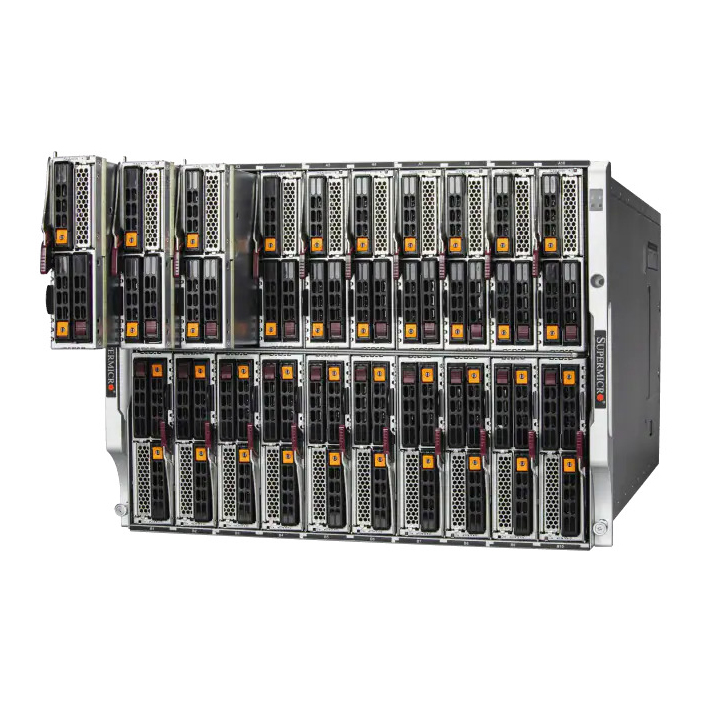 Blade Servers
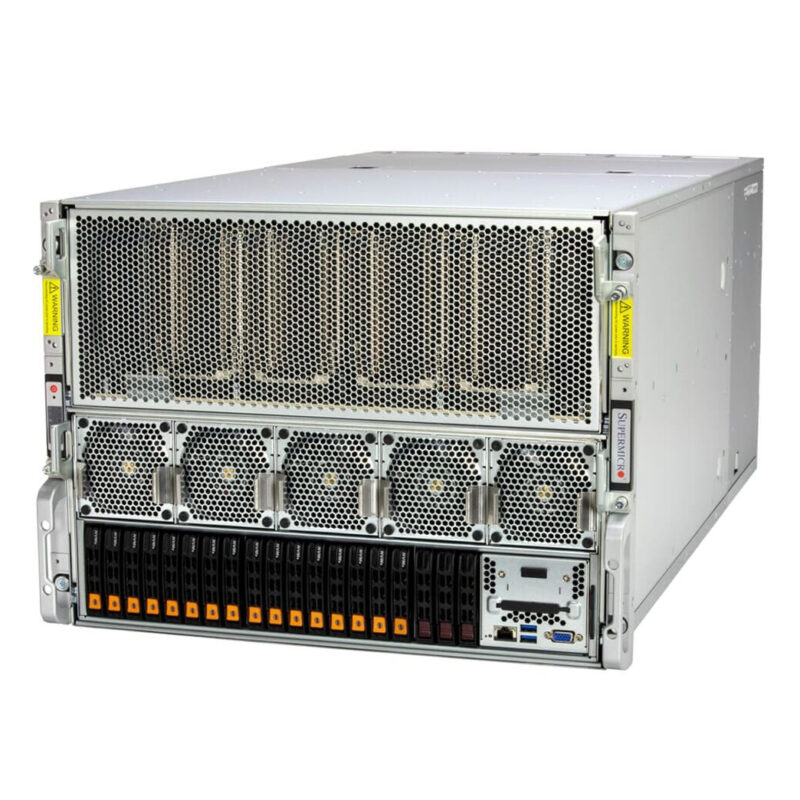 GPU Servers
 Supermicro GPU Server
 ASUS GPU Server
 Gigabyte GPU Server
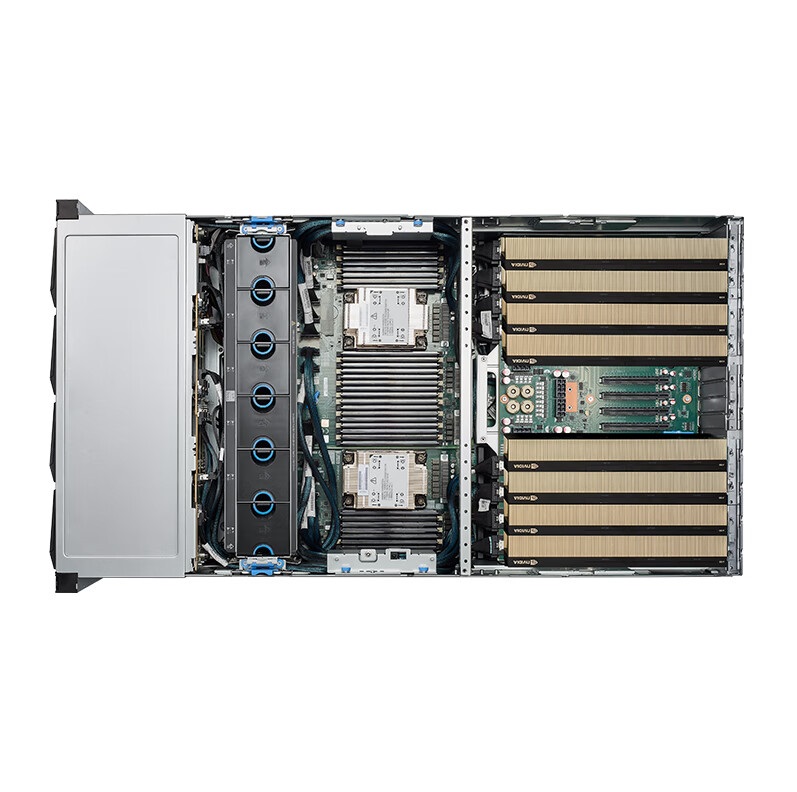 Inspur GPU Server
 other server
 Storage Servers
 Twin Servers
 Dell workstation
 HP workstation
 Lenovo workstation
 Supermicro workstation
 Inspur workstation
 ASUS workstation
 Nvidia workstation
 Gigabyte workstation
 IBM workstation
 AMD server Processors
 intel server Processors
 Mechanical hard drive
 HPE Mechanical hard drive
 Seagate Mechanical hard drive
 TOSHIBA Mechanical hard drive
 NVME Solid State Drive
 Samsung NVME Solid State Drive
 Kingston NVME Solid State Drive
 Hynix SK NVME Solid State Drive
 Micron NVME Solid State Drive
 Colorful NVME Solid State Drive
 Crucial NVME Solid State Drive
 KIOXIA NVME Solid State Drive
 PNY NVME Solid State Drive
 Others NVME Solid State Drive
 Sata Solid State Drive
 Samsung Sata Solid State Drive
 Kingston Sata Solid State Drive
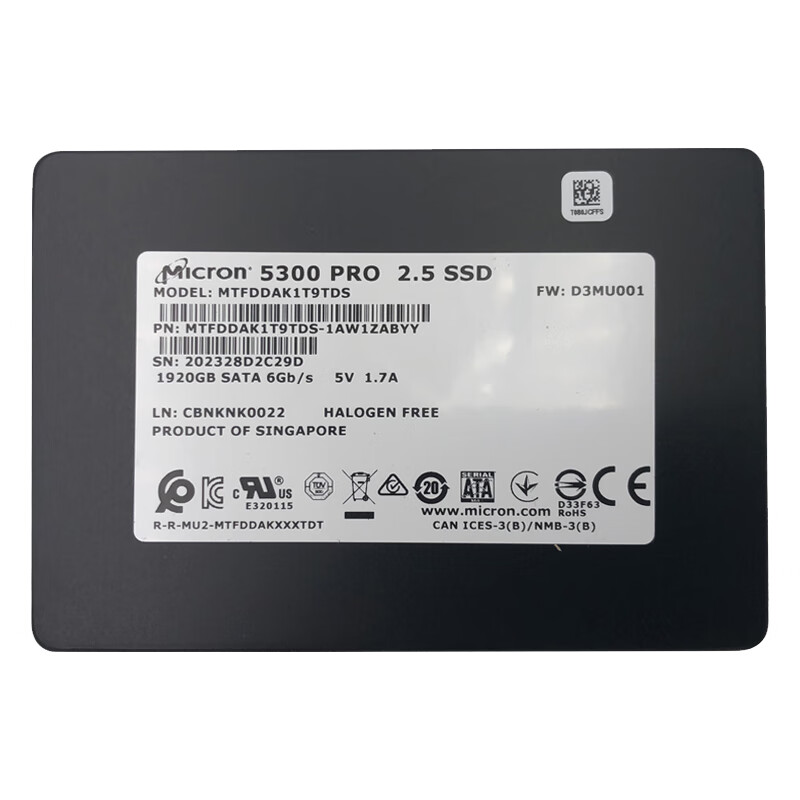 Micron Sata Solid State Drive
 Colorful Sata Solid State Drive
 Crucial Sata Solid State Drive
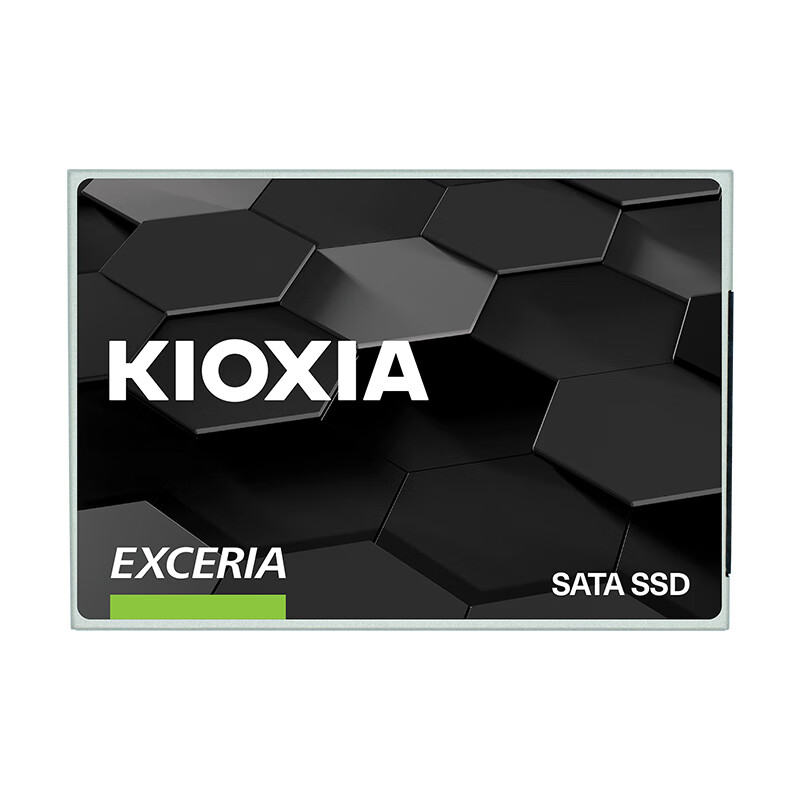 KIOXIA Sata Solid State Drive
 PNY Sata Solid State Drive
 Other Sata Solid State Drive
 Nvidia Graphics Cards
 RTX 50 series
 RTX 40 series
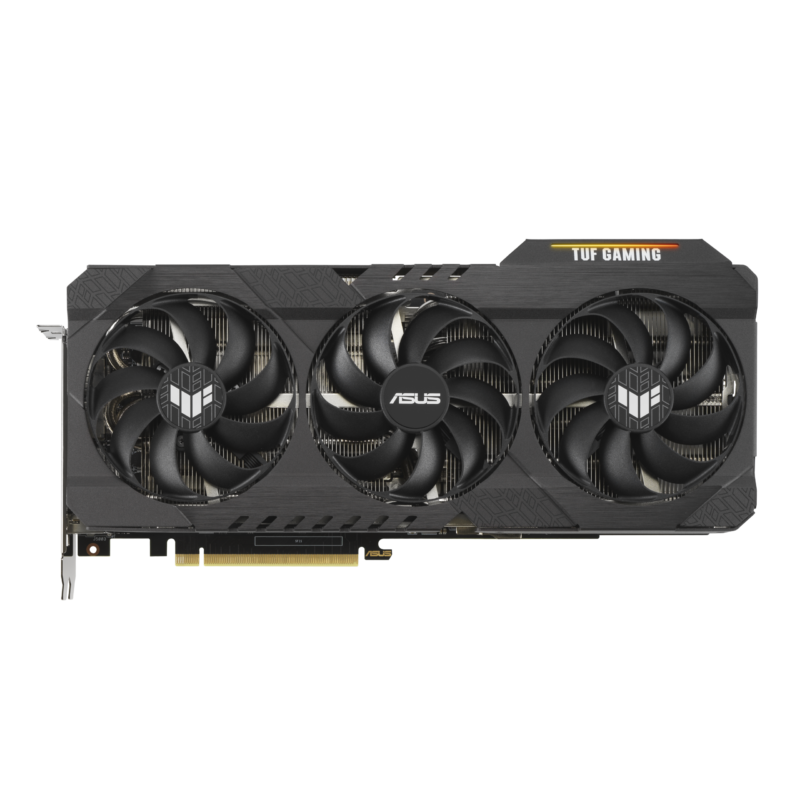 Geforce RTX 30 series
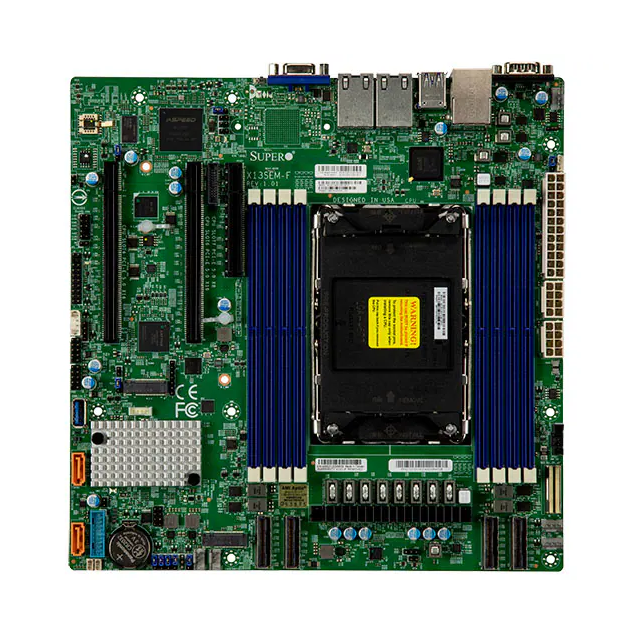 Supermicro Server/workstation
 ASUS Server/workstation
 Gigabyte Server/workstation
 MSI Server/workstation
 Asrock Server/workstation
 Other Server/workstation